Day 3: Set Up and Walk Through ChatGPT
What you will learn and leave with
This lesson focuses on set up and walk through chatgpt. It uses ChatGPT as a practical context while keeping privacy, accuracy, context, and human judgment in charge.
Use this when: you need a practical, reviewable next step. By the end: you will save ChatGPT Features I Found note.
Source check: product features and interfaces can change. OpenAI ChatGPT Help Center was checked for this course on 2026-08-19; confirm current details before using a changing feature.
Listen to the Day 3 Introduction
This short audio introduces the day and what to focus on.
Day 3: Set Up and Walk Through ChatGPT audio transcript
Sometimes the hardest part of using a tool is not the tool itself. It is knowing what you can safely do with the version you actually have.
Welcome to Day 3 of the 30-Day AI at Work Challenge: Set Up and Walk Through ChatGPT.
Today is a setup day, but it is not just a tour. The goal is to understand your own ChatGPT account well enough that later work feels easier and safer.
Let's start with the practical idea. Features can vary by account, plan, device, workspace setting, and workplace policy. You might see file upload, projects, memory, tools, model choices, search, or connected apps. Or you might not. Both are useful to notice.
What matters today is interface literacy. That means knowing where to start a new chat, where settings live, what input options are available, and which features need workplace guidance before you use real material.
This is especially important with files, memory, custom instructions, projects, and connectors. Those can be powerful. They can also involve sensitive context. So the safe habit is simple: test with low-stakes material first, then write down what you found.
Before you move into the lesson, ask yourself: If I had to use ChatGPT tomorrow for one safe task, would I know where to begin?
Today, you will save a "ChatGPT Features I Found" note. Include what is available, what is unclear, and what you should only use after checking guidance.
That note is not busywork. Tomorrow, it can help you choose one safe message or planning task and decide what context you can give ChatGPT, what you should leave out, and what you need to verify.
Build core AI habits for writing, meetings, brainstorming, pressure testing, documents, data, visuals, and planning.
This is the longest stretch because ChatGPT is the main practice space for many everyday AI habits. You will use it to draft, revise, plan, ask better questions, review risky language, and turn messy information into something more useful.
Why It Matters
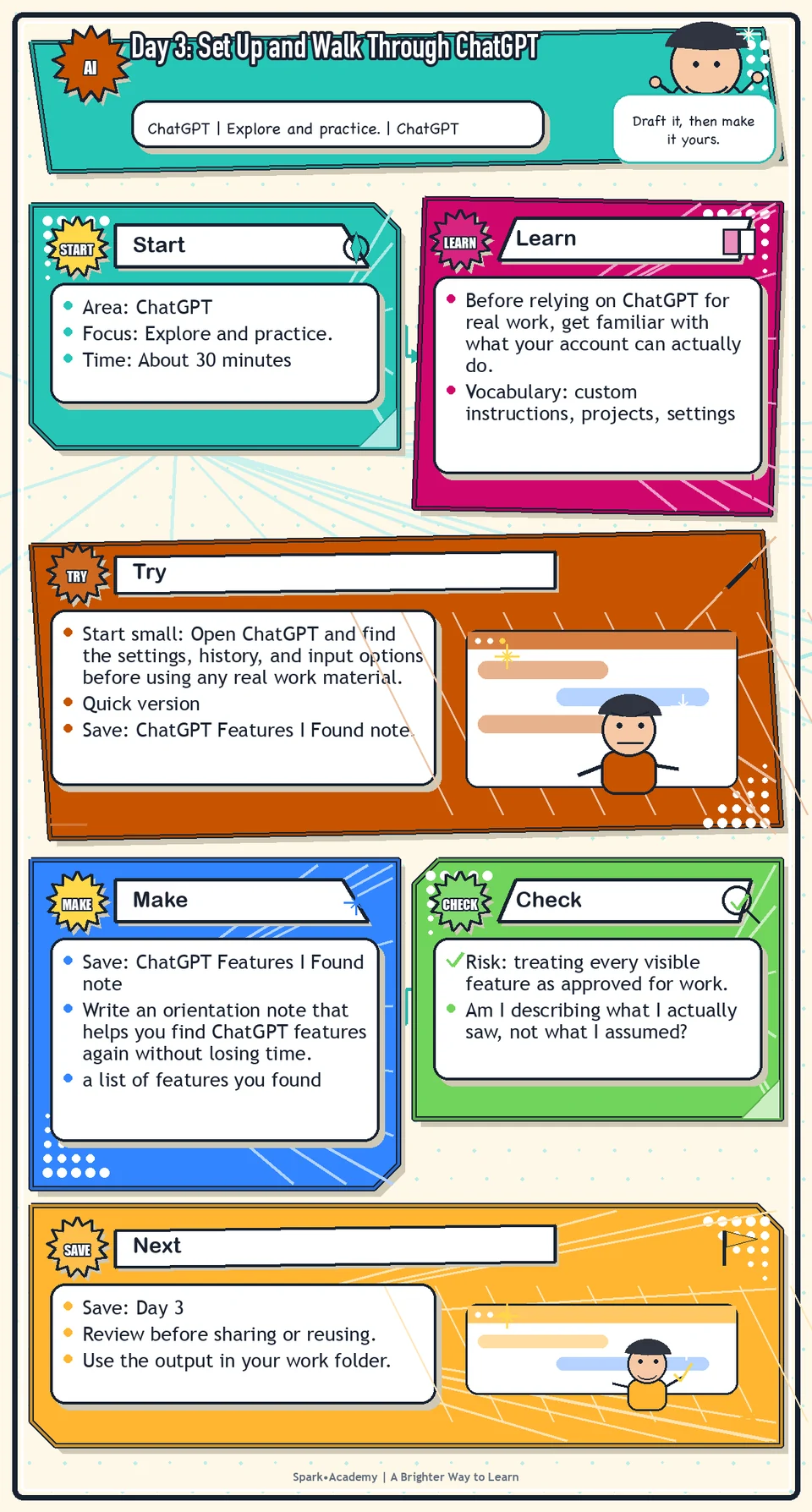
Before relying on ChatGPT for real work, get familiar with what your account can actually do. Features vary by account, plan, device, workspace configuration, policy, and release timing.
This is not tool tourism. The point is to know where to start a chat, where settings and tools live, how to test prompts safely, and which features need workplace guidance before you use real work material.
Save a feature note that records what you found, what seems useful, what is unavailable or unclear, and what you need to verify. That note will save time later when the work matters more than finding the right button.
Know Before You Try
Tool: ChatGPT. Start by reviewing the ChatGPT entry in The Tools, then open ChatGPT in your browser. Use the Tools section as the main reference for links, desktop app notes, account differences, and current feature notes. Today, focus on what you personally see and write down which features are available, missing, or unclear.
Features may vary by account, plan, workspace settings, device, and workplace permissions. For work use, do not add confidential, personal, customer, regulated, unreleased, or otherwise sensitive material to chats, files, custom instructions, memory, projects, connectors, or connected apps unless that use is approved.
ChatGPT is a general-purpose AI assistant, which means it can support many kinds of language and reasoning work: writing, summarizing, brainstorming, file review, data analysis, image review, planning, and structured thinking.
The concept today is interface literacy. You are not memorizing every feature; you are learning how to orient yourself in a tool that changes across accounts, plans, devices, regions, and workplace settings.
A good walkthrough answers five questions: Where do chats live? How do I start fresh? What input types are available? What settings or data controls matter? What features should I avoid until I understand workplace guidance?
A safe walkthrough uses low-stakes material. Test a simple prompt, notice how the response is structured, and write down which features are available, unavailable, or unclear in your account.
The point is not tool tourism. The point is to build enough familiarity that later days can focus on the quality of the work instead of the mechanics of finding buttons.
Before you try
- Setup is not just logging in. It includes understanding account type, data rules, memory or personalization settings, projects, file upload options, and which tools are enabled in your workspace.
- Custom instructions and project instructions can reduce repeated context, but they should not include sensitive personal, customer, confidential, or unreleased workplace information unless approved.
- When ChatGPT offers multiple models or modes, choose based on the work: faster responses for simple drafting, deeper reasoning for strategy, analysis, or higher-stakes review.
Where this helps
Use ChatGPT when you need a thinking partner, writing assistant, meeting prep helper, document reviewer, brainstorming partner, or first draft generator.
- you are using ChatGPT on a new device or account
- features look different from what a tutorial describes
- you want to understand what is available before using the tool for anything sensitive or important
Try It
Start small: Open ChatGPT and find the settings, history, and input options before using any real work material.
Quick version
- Save: ChatGPT Features I Found note.
- Minimum useful version: Find where to start a chat, where settings or tools appear, and one feature you want to practice later.
- If stuck: "I found new chat, chat history, and file upload. I still need to check workplace guidance before using files."
- Done when: ChatGPT feels navigable enough that you know where to begin and what still needs verification.
- Add only if useful: Add screenshots or short navigation notes for future-you.
Aim for
- Features I found: New chat, chat history, settings, model picker, file upload, and voice or image options if available.
- Features to revisit: Projects, connectors, data controls, memory or personalization, and file handling rules.
- Safety note: "I should not upload workplace files until I understand my account settings and workplace guidance."
- Why this works: It records what you actually saw instead of assuming every account works the same way.
Practice
Open ChatGPT in the browser. Find:
- Where to start a new chat.
- Where to upload a file.
- Where to search previous chats.
- Where projects appear, if available.
- Where tools, data analysis, search, or connectors appear, if available.
- Where to download the desktop app.
Create a note called "ChatGPT Features I Found." Write:
- Three features I expect to use often.
- Two features I want to understand later.
- One feature I should only use after checking workplace guidance.
Work in passes:
- Open ChatGPT and start a new conversation.
- Find the areas for new chats, past chats, files or attachments, settings, and account information if available.
- Ask one low-stakes question and notice how the response is organized.
- Write down what you found, what you did not find, and what you want to learn later.
If your screen does not match the day, write that down. That is useful information. Account settings, plan type, enterprise controls, and product changes can all affect what appears.
Before you save it:
- After you explore the interface, write down which features are available in your account and which are not.
- Create one safe starter instruction about tone or format, then test whether it improves a simple draft.
Prompt
Primary Prompt
Use this to get a first useful draft.
Help me make a checklist of ChatGPT features to look for in my account, including new chat, file upload, chat history, projects, tools, settings, and the desktop app. Separate what I should use often from what I should only use after checking workplace guidance.Role:
Act as a beginner-friendly ChatGPT setup guide.
Task:
Help me make a checklist of ChatGPT features to look for in my account, including new chat, file upload, chat history, projects, tools, settings, and the desktop app. Separate what I should use often from what I should only use after checking workplace guidance.
Context:
- Keep in mind: Feature awareness is only useful when paired with safe exploration, account-limit awareness, and clear boundaries for real work material.
- Work context: ChatGPT setup and safe feature exploration.
- Save as: ChatGPT feature checklist.
Use these details if I provide them:
- Features available in my account.
- Account or workspace limits if known.
- Safe practice material.
Ask first only if needed:
- Ask up to three clarifying questions only when missing details would materially change the answer. Otherwise, proceed with clearly labeled assumptions or placeholders.
Keep it safe:
- Use only mock, public, sanitized, or workplace-approved information. Do not include sensitive, confidential, personal, customer, legal, financial, unreleased, private-code, credential, or regulated material unless that use is explicitly approved.
- Do not invent names, dates, metrics, source content, evidence, approvals, or promises. If details are missing, use labeled placeholders or a brief mock example.
How to work:
- List features to look for and what each one helps with.
- Separate everyday features from features that need workplace guidance.
- Include one safe practice test for each feature category.
Give me:
1. Feature checklist
2. What each feature is useful for
3. Use often vs check guidance first
4. Safe practice plan
5. Notes to save
Style:
- Practical, clear, friendly, plain-English, specific, and non-hype.
- Use headings, bullets, or a compact table when that makes the output easier to scan.
Before you finish:
- The checklist should help me explore confidently without uploading risky material.
- Make sure the answer is usable, grounded in provided or clearly labeled mock information, and clear about what needs human review before real use.Improve Prompt
Use this to add safety and access notes.
Review my ChatGPT setup checklist. Add columns for available to me, useful for, use with caution, needs workplace guidance, and safe practice example. Flag anything that depends on account, region, device, plan, or workspace settings.Role:
Act as a ChatGPT setup reviewer who checks access, safe-use boundaries, and account-dependent assumptions.
Task:
Review my ChatGPT setup checklist. Add columns for available to me, useful for, use with caution, needs workplace guidance, and safe practice example. Flag anything that depends on account, region, device, plan, or workspace settings.
Context:
- Keep in mind: Feature awareness is only useful when paired with safe exploration, account-limit awareness, and clear boundaries for real work material.
- Work context: ChatGPT setup and safe feature exploration.
- Save as: ChatGPT feature checklist.
Use these details if I provide them:
- Features available in my account.
- Account or workspace limits if known.
- Safe practice material.
Ask first only if needed:
- Ask up to three clarifying questions only when missing details would materially change the answer. Otherwise, proceed with clearly labeled assumptions or placeholders.
Keep it safe:
- Use only mock, public, sanitized, or workplace-approved information. Do not include sensitive, confidential, personal, customer, legal, financial, unreleased, private-code, credential, or regulated material unless that use is explicitly approved.
- Do not invent names, dates, metrics, source content, evidence, approvals, or promises. If details are missing, use labeled placeholders or a brief mock example.
How to work:
- Add access, safety, and account-variation notes.
- Flag anything that depends on plan, account, region, device, or workspace settings.
- Make the checklist easier to update later.
Give me:
1. Quick verdict
2. Issue table with priority, evidence, and recommended fix
3. Revised draft or targeted rewrite
4. Questions or approvals still needed
5. Before-use review checklist
6. Reusable review prompt pattern
Style:
- Practical, clear, friendly, plain-English, specific, and non-hype.
- Use headings, bullets, or a compact table when that makes the output easier to scan.
Before you finish:
- The checklist should help me explore confidently without uploading risky material.
- Make sure the answer is usable, grounded in provided or clearly labeled mock information, and clear about what needs human review before real use.Apply Prompt
Use this to plan a first safe practice session.
Help me design a 20-minute safe ChatGPT practice session using only mock, public, sanitized, or approved material. Include what to try first, what to avoid, what settings or features to notice, and what notes to save afterward.Role:
Act as a practical ChatGPT practice coach who helps me explore features safely with mock, public, or approved material.
Task:
Help me design a 20-minute safe ChatGPT practice session using only mock, public, sanitized, or approved material. Include what to try first, what to avoid, what settings or features to notice, and what notes to save afterward.
Context:
- Keep in mind: Feature awareness is only useful when paired with safe exploration, account-limit awareness, and clear boundaries for real work material.
- Work context: ChatGPT setup and safe feature exploration.
- Save as: ChatGPT feature checklist.
Use these details if I provide them:
- Features available in my account.
- Account or workspace limits if known.
- Safe practice material.
Ask first only if needed:
- Ask up to three clarifying questions only when missing details would materially change the answer. Otherwise, proceed with clearly labeled assumptions or placeholders.
Keep it safe:
- Use only mock, public, sanitized, or workplace-approved information. Do not include sensitive, confidential, personal, customer, legal, financial, unreleased, private-code, credential, or regulated material unless that use is explicitly approved.
- Do not invent names, dates, metrics, source content, evidence, approvals, or promises. If details are missing, use labeled placeholders or a brief mock example.
How to work:
- Design a short safe practice session.
- Use only mock, public, sanitized, or approved material.
- Include what to try, what to avoid, and what notes to save.
Give me:
1. Feature checklist
2. What each feature is useful for
3. Use often vs check guidance first
4. Safe practice plan
5. Notes to save
Style:
- Practical, clear, friendly, plain-English, specific, and non-hype.
- Use headings, bullets, or a compact table when that makes the output easier to scan.
Before you finish:
- The checklist should help me explore confidently without uploading risky material.
- Make sure the answer is usable, grounded in provided or clearly labeled mock information, and clear about what needs human review before real use.Make Something Useful
Write an orientation note that helps you find ChatGPT features again without losing time.
Save ChatGPT Features I Found note.
Make sure it includes:
- a list of features you found
- a list of features you did not find or are unsure about
- one note about privacy or data controls to revisit
- one feature you are most curious to practice next
Use tomorrow: Pick one safe message or planning task and use the feature note to decide where ChatGPT can help, what context you can safely provide, and what you need to verify before using the output.
Review and Save
Specific risk to check: The risk today is treating every visible feature as approved for work. Pay special attention to memory, custom instructions, files, projects, connectors, and any setting that may store or use sensitive context.
Do not assume that because a feature exists, it should be used for work use. File uploads, connected apps, work accounts, and data handling should follow your workplace's guidance.
Ask yourself:
- Am I describing what I actually saw, not what I assumed?
- Do I understand that features may vary by account and plan?
- Have I avoided uploading any sensitive or real work material while exploring?
- Do I know what I would ask someone if a feature is missing?
Watch for
Setup is not the same as skill. It is easy to get distracted by features. The real value comes from using the tool to improve real work, not from exploring every button.
Do not confuse product feature with permission. A feature may exist, but that does not mean workplace information is approved for use with it. Treat availability as only the first question.
Save
Save this in your 30-day work folder as Day 3 - ChatGPT Features I Found note.
Add a quick reuse note: Use this at work for: orienting yourself in ChatGPT before using it for writing, review, file analysis, or planning.
Save the note as Day 3 - ChatGPT Features I Found. This will make later days easier because you can return to the feature list instead of rediscovering everything.
Check yourself
- I opened ChatGPT in the browser.
- I know where to start a new chat.
- I know where to upload a file if available.
- I know where to find or explore projects, tools, or settings if available.
- I wrote down the ChatGPT features I expect to use most.
- I understand that available features may depend on account, plan, and workplace settings.
- I can describe at least three ChatGPT features I found and one thing I still need to verify.
- I can navigate ChatGPT well enough to start a safe practice task and note what needs workplace guidance.
Optional video
Watch: Personalize ChatGPT with custom instructions (official OpenAI YouTube channel, 2:10).
Why it helps: It reinforces how setup choices can shape future responses without needing to repeat the same context every time.