Day 7: Produce a Meeting Prep and Follow Up Package
What you will learn and leave with
This lesson teaches you how to produce a meeting prep and follow up package. It uses ChatGPT as a practical learning context while keeping privacy, accuracy, context, and human judgment in charge.
Use this when: you want to create a practical, reviewable work output with ChatGPT. By the end: you will save reusable meeting prep and follow-up package.
Course position: Day 7 of 30 · ChatGPT module
Continue: Day 8: Use ChatGPT for Brainstorming and Question Development
Source check: product features and interfaces can change. OpenAI ChatGPT Help Center was checked for this course on 2026-08-30; confirm current details before using a changing feature.
Listen to the Day 7 Introduction
This short audio introduces the day and what to focus on.
Day 7: Produce a Meeting Prep and Follow Up Package audio transcript
Some meetings deserve more than a calendar invite and good intentions.
If a meeting involves decisions, owners, review needs, or follow-up, a little structure can save a lot of confusion later.
Welcome to Day 7 of the 30-Day AI at Work Challenge: Produce a Meeting Prep and Follow Up Package.
Today, you will build a reusable meeting package. Think of it as a light structure for the full meeting cycle: prepare, run, capture, and follow up.
Let's start with what makes this useful. A prep note helps people understand why they are meeting, what background matters, what decisions may be needed, and what questions should be answered. A follow-up note protects the outcome by separating decisions, open questions, owners, deadlines, and risks.
The risk today is making the workflow heavier than the meeting. A template should help you move, not create a second job.
So keep it practical. You are not building a perfect meeting system. You are building something you would actually use before a busy project conversation.
The lesson includes a worked example. Listen for how the prep note and follow-up note connect to each other. That connection is the point. The prep sets up the conversation. The follow-up protects what changed because of it.
Before you begin, think of one recurring meeting or project conversation. What usually gets lost afterward? Decisions? Owners? Open questions? Due dates?
Today, you will save a reusable meeting prep and follow-up package. If it helps future you show up prepared and send a cleaner follow-up, it is doing its job.
Why It Matters
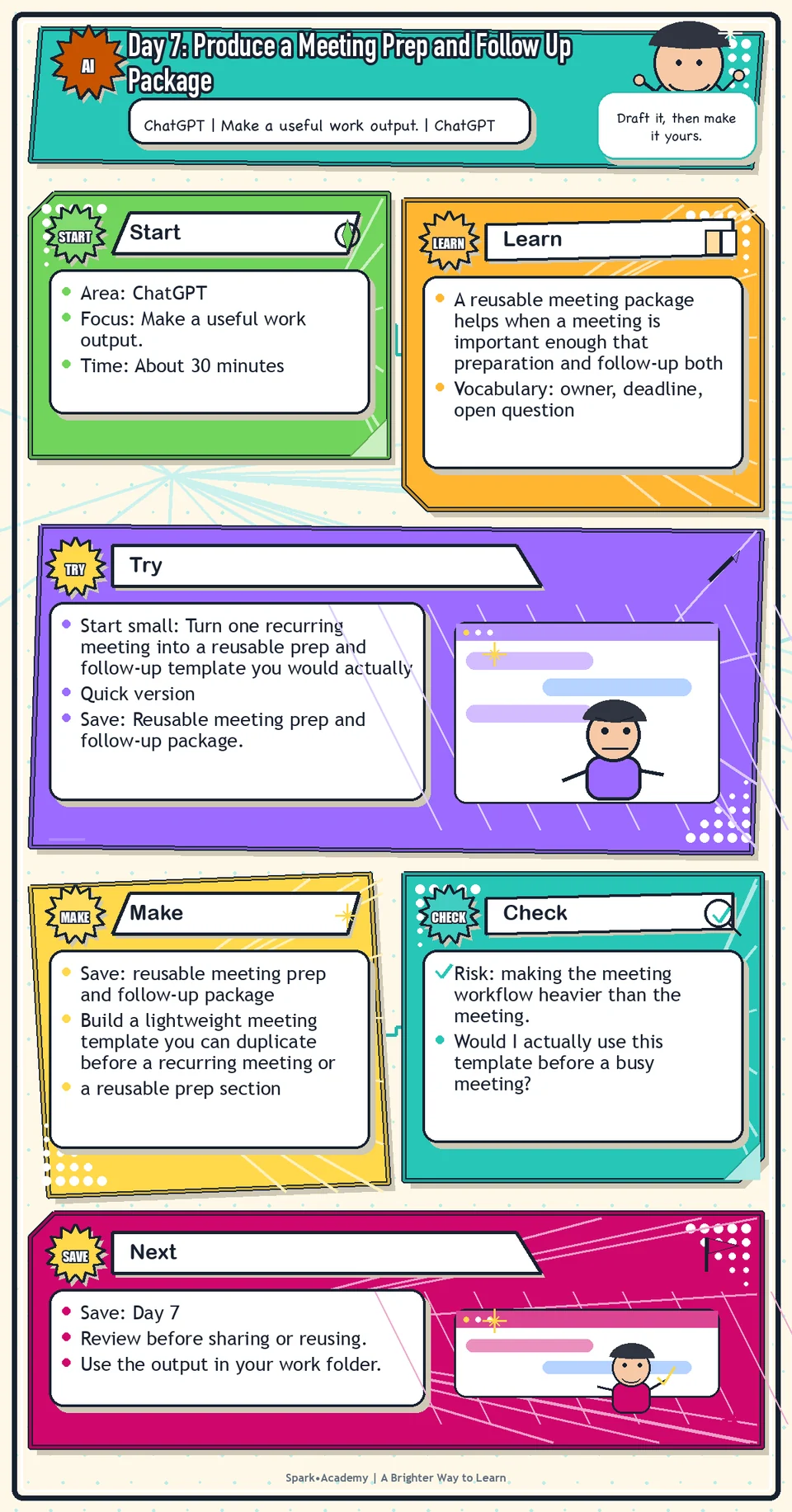
A reusable meeting package helps when a meeting is important enough that preparation and follow-up both matter. It connects the purpose, agenda, questions, decisions, action items, owners, deadlines, and open questions.
The risk is making the process heavier than the meeting. Keep the template light enough to duplicate quickly and clear enough that another person can understand it.
Save a blank version and a filled example if you can. The package should help you run a real recurring meeting, review meeting, sync, or planning conversation with less scramble.
Know Before You Try
A meeting package is a reusable structure for the full meeting cycle. It should make the meeting easier to prepare for, run, and follow up on.
The prep side answers: Why are we meeting? What background matters? What decisions are needed? What questions should be asked? What should people read or think about first?
The follow-up side answers: What was decided? Who owns what? When is each action due? What risks remain? What questions still need answers?
The package should scale to the stakes. A routine check-in may need only a few bullets. A high-stakes review may need a purpose statement, agenda, pre-read, decision log, action tracker, and follow-up note.
AI can help draft and organize the package, but people must confirm decisions, owners, dates, and commitments. A good package creates continuity: prep questions shape the meeting, meeting notes become decisions and actions, and the follow-up shows what changed.
Before you try
- A meeting package is useful because it connects before, during, and after. The prep note sets up the conversation, and the follow-up protects the decisions.
- The best follow-ups are specific: they name decisions, owners, deadlines, dependencies, and unresolved questions.
- Do not let AI invent agreement. If something was not clearly decided, label it as an open question or proposed next step.
Where this helps
Use this when a meeting matters enough that walking in unprepared would cost time, clarity, or credibility.
- for recurring cross-functional meetings
- for meetings with subject-matter experts or teammates
- for discussions where decisions, owners, or follow-ups need to be captured carefully
Try It
Start small: Turn one recurring meeting into a reusable prep and follow-up template you would actually use.
Quick version
- Save: Reusable meeting prep and follow-up package.
- Minimum useful version: Build a one-page template with purpose, agenda, questions, decisions, action items, owners, and open questions.
- If stuck: Use a project check-in. Keep the package light enough that you would use it before a busy meeting.
- Done when: The template helps you prepare, listen, and follow up without creating extra ceremony.
- Add only if useful: Create light, standard, and full versions for different meeting stakes.
Aim for
- Prep: Purpose, agenda, context, and three questions.
- During: Decisions, disagreements, assumptions, and possible risks.
- After: Follow-up note, owner list, due dates, and open questions.
- Why this works: It is reusable, but still light enough to use before a real meeting.
Practice
Choose one meeting type:
- project check-in.
- Product sync.
- Domain review.
- Legal review.
- Project planning.
Ask ChatGPT to create a meeting prep and follow-up package with:
- Purpose.
- Agenda.
- Context.
- Questions.
- Decisions needed.
- Risks.
- Follow-up template.
- Action tracker.
Then revise the output into a template you could reuse. Keep the parts that would actually help you and remove anything that feels too heavy.
Work in passes:
- Draft a template with sections for goal, context, agenda, questions, decisions, action items, and follow-up message.
- Use ChatGPT to improve the template for clarity and completeness.
- Test the template on a mock meeting.
- Remove any fields that feel unnecessary so the template stays easy to use.
If your template feels too big, reduce it to five fields: goal, people, questions, decisions, and next steps. You can always add more later.
Before you save it:
- Build the package in three passes: prep, follow-up, and action tracker.
- Check every action item for an owner, a verb, and a date or timing cue.
Prompt
Primary Prompt
Use this to get a first useful draft.
Create a reusable meeting prep and follow-up package for a project planning meeting. Include purpose, agenda, context, questions, decisions needed, risks, follow-up template, and action tracker.Role:
Act as an operations-minded meeting partner.
Task:
Create a reusable meeting prep and follow-up package for a project planning meeting. Include purpose, agenda, context, questions, decisions needed, risks, follow-up template, and action tracker.
Context:
- Keep in mind: A meeting package should provide enough structure to run and follow up on the meeting without making the process heavier than the work itself.
- Work context: meeting prep and follow-up workflow.
- Save as: meeting prep and follow-up package.
Use these details if I provide them:
- Meeting purpose.
- Attendees by role.
- Context.
- Decisions needed.
- Risks.
- Follow-up format.
Ask first only if needed:
- Ask up to three clarifying questions only when missing details would materially change the answer. Otherwise, proceed with clearly labeled assumptions or placeholders.
Keep it safe:
- Use only mock, public, sanitized, or workplace-approved information. Do not include sensitive, confidential, personal, customer, legal, financial, unreleased, private-code, credential, or regulated material unless that use is explicitly approved.
- Do not invent names, dates, metrics, source content, evidence, approvals, or promises. If details are missing, use labeled placeholders or a brief mock example.
How to work:
- Create a package that works before, during, and after the meeting.
- Include context, questions, decisions, risks, follow-up, and action tracking.
- Use placeholders where owners or dates are unknown.
Give me:
1. Prep note
2. Agenda
3. Questions and decisions
4. Follow-up message
5. Action tracker
6. Review notes
Style:
- Practical, clear, friendly, plain-English, specific, and non-hype.
- Use headings, bullets, or a compact table when that makes the output easier to scan.
Before you finish:
- The package should be reusable without becoming generic.
- Make sure the answer is usable, grounded in provided or clearly labeled mock information, and clear about what needs human review before real use.Improve Prompt
Use this to make the package easier to use after the meeting.
Review this meeting prep and follow-up package. Identify missing owners, unclear decisions, weak risks, vague follow-up language, and action items that need due dates or dependencies. Rewrite it as a reusable template.Role:
Act as a meeting-operations reviewer who checks owners, decisions, follow-up language, and action tracking.
Task:
Review this meeting prep and follow-up package. Identify missing owners, unclear decisions, weak risks, vague follow-up language, and action items that need due dates or dependencies. Rewrite it as a reusable template.
Context:
- Keep in mind: A meeting package should provide enough structure to run and follow up on the meeting without making the process heavier than the work itself.
- Work context: meeting prep and follow-up workflow.
- Save as: meeting prep and follow-up package.
Use these details if I provide them:
- Meeting purpose.
- Attendees by role.
- Context.
- Decisions needed.
- Risks.
- Follow-up format.
Ask first only if needed:
- Ask up to three clarifying questions only when missing details would materially change the answer. Otherwise, proceed with clearly labeled assumptions or placeholders.
Keep it safe:
- Use only mock, public, sanitized, or workplace-approved information. Do not include sensitive, confidential, personal, customer, legal, financial, unreleased, private-code, credential, or regulated material unless that use is explicitly approved.
- Do not invent names, dates, metrics, source content, evidence, approvals, or promises. If details are missing, use labeled placeholders or a brief mock example.
How to work:
- Find missing owners, unclear decisions, weak risks, and vague action items.
- Add due dates, dependencies, and follow-up language.
- Turn the package into a reusable template.
Give me:
1. Quick verdict
2. Issue table with priority, evidence, and recommended fix
3. Revised draft or targeted rewrite
4. Questions or approvals still needed
5. Before-use review checklist
6. Reusable review prompt pattern
Style:
- Practical, clear, friendly, plain-English, specific, and non-hype.
- Use headings, bullets, or a compact table when that makes the output easier to scan.
Before you finish:
- The package should be reusable without becoming generic.
- Make sure the answer is usable, grounded in provided or clearly labeled mock information, and clear about what needs human review before real use.Apply Prompt
Use this to create a version for a real workflow without sensitive details.
Help me adapt this meeting package to a safe project. Ask for the meeting goal, attendees by role, decision needed, known risks, and follow-up format. Then produce a copy-ready prep note and action tracker.Role:
Act as a practical meeting-operations coach who adapts this package to a real or mock project meeting.
Task:
Help me adapt this meeting package to a safe project. Ask for the meeting goal, attendees by role, decision needed, known risks, and follow-up format. Then produce a copy-ready prep note and action tracker.
Context:
- Keep in mind: A meeting package should provide enough structure to run and follow up on the meeting without making the process heavier than the work itself.
- Work context: meeting prep and follow-up workflow.
- Save as: meeting prep and follow-up package.
Use these details if I provide them:
- Meeting purpose.
- Attendees by role.
- Context.
- Decisions needed.
- Risks.
- Follow-up format.
Ask first only if needed:
- Ask up to three clarifying questions only when missing details would materially change the answer. Otherwise, proceed with clearly labeled assumptions or placeholders.
Keep it safe:
- Use only mock, public, sanitized, or workplace-approved information. Do not include sensitive, confidential, personal, customer, legal, financial, unreleased, private-code, credential, or regulated material unless that use is explicitly approved.
- Do not invent names, dates, metrics, source content, evidence, approvals, or promises. If details are missing, use labeled placeholders or a brief mock example.
How to work:
- Ask for a safe project and meeting details.
- Produce a copy-ready prep note and action tracker.
- Mark sensitive points and review needs.
Give me:
1. Prep note
2. Agenda
3. Questions and decisions
4. Follow-up message
5. Action tracker
6. Review notes
Style:
- Practical, clear, friendly, plain-English, specific, and non-hype.
- Use headings, bullets, or a compact table when that makes the output easier to scan.
Before you finish:
- The package should be reusable without becoming generic.
- Make sure the answer is usable, grounded in provided or clearly labeled mock information, and clear about what needs human review before real use.Make Something Useful
Build a lightweight meeting template you can duplicate before a recurring meeting or project conversation.
Save reusable meeting prep and follow-up package.
Make sure it includes:
- a reusable prep section
- a reusable notes section
- a reusable follow-up structure
- clear labels for decisions, owners, deadlines, and open questions
Worked example: meeting package
Prep note:
- Purpose: Decide what must be true before the support workflow update can be shared with the broader team.
- Agenda: context, known facts, open questions, risks, owners, next step.
- Questions: What has been approved? What is still draft? What should we avoid saying? Who owns final review?
Follow-up note:
Thanks for the discussion. Confirmed: the workflow is still in pilot, the support team owns the next internal test, and no customer-facing claims should be made yet. Open questions: final timing, approved benefit language, and whether privacy review is needed. Next step: Jordan will confirm pilot status by Wednesday; Priya will identify review needs before we draft the team update.
Why this works: It connects preparation to follow-up and keeps decisions, open questions, owners, and limits visible.
Review and Save
Specific risk to check: The risk today is making the meeting workflow heavier than the meeting. Keep the package light, and verify decisions, owners, and dates before anyone relies on them.
Ask whether the meeting has a clear purpose, whether the questions are sharp enough, whether the agenda fits the time, whether the decisions are realistic, and whether follow-up is easy to send.
Ask yourself:
- Would I actually use this template before a busy meeting?
- Does it help me listen better, or does it create extra work?
- Can I tell which items are confirmed and which need follow-up?
- Would the follow-up message be accurate and appropriate to send after review?
Watch for
Not every meeting needs a formal package. For small or informal conversations, overpreparation can slow you down. Use the full workflow for higher leverage meetings.
A template should not make you robotic. Use it as a starting point, then adjust to the people, topic, and stakes of the meeting.
Save
Save this in your 30-day work folder as Day 7 - reusable meeting prep and follow-up package.
Add a quick reuse note: Use this at work for: running a recurring project meeting, review meeting, sync, or planning conversation with clearer follow-up.
Save the template in a place you can duplicate quickly. Consider keeping a blank version and one filled example.
Check yourself
- I selected a realistic meeting type.
- I created a meeting purpose and agenda.
- I created a question list.
- I created a follow-up note template.
- I created an action item tracker.
- I know when this workflow is useful and when it may be too much.
- I created a meeting template simple enough to reuse under time pressure.
- I can reuse this meeting package for a real meeting without making the process too heavy.