Day 6: Use ChatGPT for Meeting Support
What you will learn and leave with
This lesson teaches you how to use ChatGPT for meeting support. It uses ChatGPT as a practical learning context while keeping privacy, accuracy, context, and human judgment in charge.
Use this when: you want guided practice with ChatGPT before applying it to real work. By the end: you will save meeting agenda, stakeholder questions, and follow-up structure.
Course position: Day 6 of 30 · ChatGPT module
Continue: Day 7: Produce a Meeting Prep and Follow Up Package
Source check: product features and interfaces can change. OpenAI ChatGPT Help Center was checked for this course on 2026-08-30; confirm current details before using a changing feature.
Listen to the Day 6 Introduction
This short audio introduces the day and what to focus on.
Day 6: Use ChatGPT for Meeting Support audio transcript
Meetings do not really start when everyone joins the call. And they do not really end when people leave.
The useful work happens before, during, and after.
Welcome to Day 6 of the 30-Day AI at Work Challenge: Use ChatGPT for Meeting Support.
Today's lesson is about using ChatGPT to make meetings clearer without letting AI invent certainty.
Here is the main idea. Before a meeting, AI can help you name the purpose, shape the agenda, prepare background notes, and create better questions. After a meeting, it can help organize rough notes into decisions, action items, owners, risks, and open questions.
But there is a real risk here. If your notes are messy, AI may make them look cleaner than they really are. It might turn a suggestion into a decision, a possible owner into a confirmed owner, or a rough deadline into a real commitment.
So today, keep one phrase in mind: confirmed versus possible.
When you practice, choose a safe or mock meeting type. Ask ChatGPT to help you prepare, then use it to organize follow-up. Pay close attention to what was actually decided, what is still open, and what would need confirmation.
This is useful for project check-ins, planning meetings, review conversations, and any meeting where people need to leave with shared understanding.
Before you move into the lesson, think of one upcoming meeting. What question would make that meeting more useful?
By the end, you will save a meeting agenda, stakeholder questions, and a follow-up structure. The goal is simple: walk in clearer, and leave with fewer loose ends.
Why It Matters
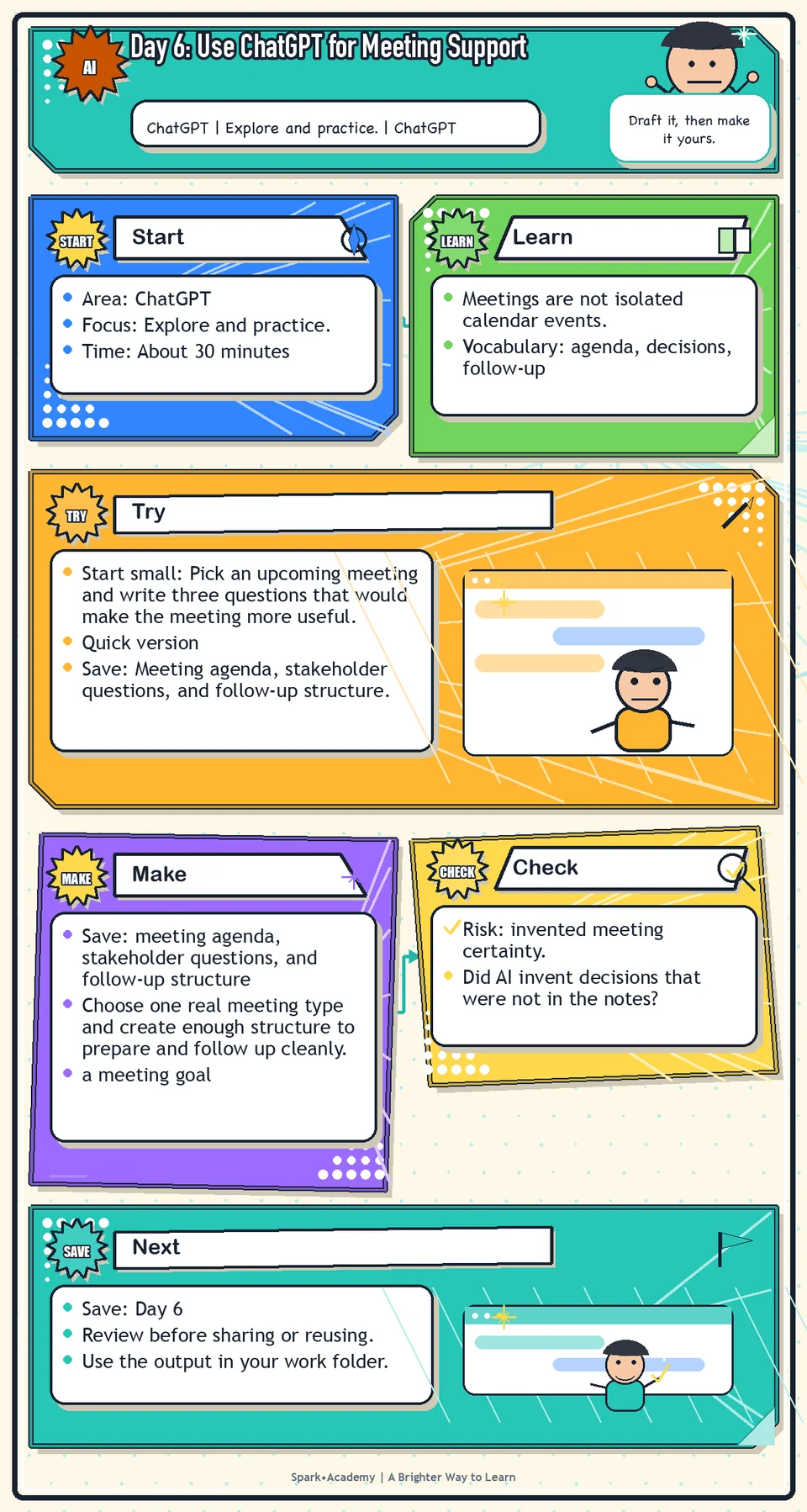
Meetings are not isolated calendar events. The useful work happens before, during, and after: prepare the purpose and questions, capture what changed, and turn the result into decisions, owners, risks, and next steps.
AI can help organize prep and follow-up, but it cannot replace listening, relationship judgment, or confirmation from the people in the room. Treat its help as structure, not memory or authority.
Save a meeting support flow that helps you enter with better questions and leave with clearer follow-up. It should preserve uncertainty, ownership, and anything that still needs confirmation.
Know Before You Try
Meeting support is a before-during-after workflow, not a note-taking shortcut. The purpose is to make thinking clearer before the meeting and accountability clearer after it.
Before the meeting, AI can help identify the purpose, agenda, background context, questions, risks, decisions needed, and pre-read needs. During the meeting, your job is to listen for decisions, disagreements, assumptions, and commitments.
After the meeting, AI can help turn notes into decisions, open questions, owners, deadlines, risks, and follow-up language. That structure makes the conversation easier for people to review.
The point is not more ceremony. A casual meeting may need only a few bullets; a high-stakes meeting may need a stronger prep and follow-up structure. Match the support to the stakes.
The quality of the answer depends on the quality and permission status of the input. For real meetings, follow workplace rules about recordings, transcripts, attendees, and sensitive information. If notes are messy, ask AI to separate facts, guesses, decisions, and unresolved questions.
Before you try
- Meeting support should help people prepare, focus, and follow through. It should not replace consent, context, or careful note review.
- Never upload recordings, transcripts, attendee details, or sensitive meeting notes unless your workplace allows that use and the participants' privacy expectations are respected.
- A strong meeting workflow separates pre-work, live agenda, decisions, action items, open questions, and follow-up tone.
Where this helps
Use this for project check-ins, product syncs, legal reviews, domain reviews, team project planning, media prep, and partner meetings.
- preparing for a cross-functional meeting
- turning messy notes into decisions and action items
- drafting a follow-up email that needs to be clear and respectful
Try It
Start small: Pick an upcoming meeting and write three questions that would make the meeting more useful.
Quick version
- Save: Meeting agenda, stakeholder questions, and follow-up structure.
- Minimum useful version: Create a meeting purpose, three agenda items, three questions, and a follow-up template with decisions, owners, and open questions.
- If stuck: "Purpose: align on how to explain a workflow update. Question: what should we avoid promising before review?"
- Done when: The before-meeting and after-meeting pieces are clearly separated.
- Add only if useful: Add risk notes and a confirmation label for anything that is tentative.
Aim for
- Meeting purpose: Align on how to explain a workflow update clearly and responsibly.
- Prep questions: What is changing? Who is affected? What should not be promised yet?
- Follow-up structure: Decisions, open questions, owners, due dates, and risks needing confirmation.
- Why this works: It supports the full meeting cycle without turning uncertain notes into false decisions.
Practice
Use this meeting topic: "Project planning meeting about how your workplace should explain its AI capabilities to broader audiences." Before the meeting, ask ChatGPT to prepare:
- A short meeting purpose.
- A simple agenda.
- Five smart questions.
- A short briefing note.
- A list of possible risks or sensitive points.
After the meeting, paste mock or sanitized rough notes and ask ChatGPT to turn them into:
- Confirmed decisions.
- Open questions.
- Owners.
- Action items.
- Risks.
- A follow-up message.
Work in passes:
- Write the meeting goal in one sentence.
- List the people or teams involved, using roles instead of sensitive names if needed.
- Ask ChatGPT for agenda items and questions.
- After the mock meeting notes, ask it to identify decisions, open questions, owners, and next steps.
If you do not have a meeting example, invent a harmless one: preparing for a product update, a rollout planning discussion, or an appropriate review.
Before you save it:
- Ask ChatGPT to turn messy meeting context into an agenda, then manually check whether every agenda item has a purpose.
- After the draft, add owners, dates, and open questions yourself. AI often leaves those too vague.
Prompt
Primary Prompt
Use this to get a first useful draft.
Help me prepare for a project planning meeting about how your workplace should explain its AI capabilities to broader audiences. Create a short meeting purpose, agenda, five smart questions, a briefing note, and possible risks or sensitive points.Role:
Act as a meeting strategist.
Task:
Help me prepare for a project planning meeting about how your workplace should explain its AI capabilities to broader audiences. Create a short meeting purpose, agenda, five smart questions, a briefing note, and possible risks or sensitive points.
Context:
- Keep in mind: Meeting support should improve preparation and follow-through by clarifying purpose, agenda, questions, decisions, risks, owners, and next steps.
- Work context: meeting preparation with ChatGPT.
- Save as: meeting prep note.
Use these details if I provide them:
- Meeting topic.
- Audience or attendee roles.
- Purpose.
- Decision needed.
- Risks or sensitive points.
Ask first only if needed:
- Ask up to three clarifying questions only when missing details would materially change the answer. Otherwise, proceed with clearly labeled assumptions or placeholders.
Keep it safe:
- Use only mock, public, sanitized, or workplace-approved information. Do not include sensitive, confidential, personal, customer, legal, financial, unreleased, private-code, credential, or regulated material unless that use is explicitly approved.
- Do not invent names, dates, metrics, source content, evidence, approvals, or promises. If details are missing, use labeled placeholders or a brief mock example.
How to work:
- Create a practical meeting purpose and agenda.
- Write smart questions that uncover facts, risks, and decisions.
- Include possible sensitive points before the meeting.
Give me:
1. Meeting purpose
2. Agenda
3. Briefing note
4. Questions by type
5. Risks or sensitive points
6. Decisions needed
Style:
- Practical, clear, friendly, plain-English, specific, and non-hype.
- Use headings, bullets, or a compact table when that makes the output easier to scan.
Before you finish:
- The prep note should make the meeting easier to run and easier to follow up.
- Make sure the answer is usable, grounded in provided or clearly labeled mock information, and clear about what needs human review before real use.Improve Prompt
Use this to strengthen the meeting prep.
Review this meeting prep for missing stakeholders, unclear decisions, weak agenda items, sensitive points, and questions that should be answered before the meeting. Turn the questions into fact questions, judgment questions, and approval questions.Role:
Act as a meeting-prep reviewer who checks agenda quality, decision clarity, risks, and stakeholder needs.
Task:
Review this meeting prep for missing stakeholders, unclear decisions, weak agenda items, sensitive points, and questions that should be answered before the meeting. Turn the questions into fact questions, judgment questions, and approval questions.
Context:
- Keep in mind: Meeting support should improve preparation and follow-through by clarifying purpose, agenda, questions, decisions, risks, owners, and next steps.
- Work context: meeting preparation with ChatGPT.
- Save as: meeting prep note.
Use these details if I provide them:
- Meeting topic.
- Audience or attendee roles.
- Purpose.
- Decision needed.
- Risks or sensitive points.
Ask first only if needed:
- Ask up to three clarifying questions only when missing details would materially change the answer. Otherwise, proceed with clearly labeled assumptions or placeholders.
Keep it safe:
- Use only mock, public, sanitized, or workplace-approved information. Do not include sensitive, confidential, personal, customer, legal, financial, unreleased, private-code, credential, or regulated material unless that use is explicitly approved.
- Do not invent names, dates, metrics, source content, evidence, approvals, or promises. If details are missing, use labeled placeholders or a brief mock example.
How to work:
- Identify missing stakeholders, weak agenda items, unclear decisions, and sensitive points.
- Sort questions into fact, judgment, and approval questions.
- Strengthen the prep note for an actual meeting.
Give me:
1. Quick verdict
2. Issue table with priority, evidence, and recommended fix
3. Revised draft or targeted rewrite
4. Questions or approvals still needed
5. Before-use review checklist
6. Reusable review prompt pattern
Style:
- Practical, clear, friendly, plain-English, specific, and non-hype.
- Use headings, bullets, or a compact table when that makes the output easier to scan.
Before you finish:
- The prep note should make the meeting easier to run and easier to follow up.
- Make sure the answer is usable, grounded in provided or clearly labeled mock information, and clear about what needs human review before real use.Apply Prompt
Use this for your own safe meeting scenario.
Ask me for a safe, approved, or mock meeting topic, audience, goal, and decision needed. Then create a meeting prep note with agenda, context, questions, risks, decisions needed, and follow-up items.Role:
Act as a practical meeting coach who helps me turn a safe meeting topic into a useful prep note.
Task:
Ask me for a safe, approved, or mock meeting topic, audience, goal, and decision needed. Then create a meeting prep note with agenda, context, questions, risks, decisions needed, and follow-up items.
Context:
- Keep in mind: Meeting support should improve preparation and follow-through by clarifying purpose, agenda, questions, decisions, risks, owners, and next steps.
- Work context: meeting preparation with ChatGPT.
- Save as: meeting prep note.
Use these details if I provide them:
- Meeting topic.
- Audience or attendee roles.
- Purpose.
- Decision needed.
- Risks or sensitive points.
Ask first only if needed:
- Ask up to three clarifying questions only when missing details would materially change the answer. Otherwise, proceed with clearly labeled assumptions or placeholders.
Keep it safe:
- Use only mock, public, sanitized, or workplace-approved information. Do not include sensitive, confidential, personal, customer, legal, financial, unreleased, private-code, credential, or regulated material unless that use is explicitly approved.
- Do not invent names, dates, metrics, source content, evidence, approvals, or promises. If details are missing, use labeled placeholders or a brief mock example.
How to work:
- Ask for meeting goal, attendees by role, decision needed, and known risks.
- Create a copy-ready meeting prep note.
- Include follow-up items that can be used after the meeting.
Give me:
1. Questions to ask me first
2. Safe assumptions if I do not answer yet
3. Adapted meeting prep note
4. Review before real use
5. Reusable prompt pattern
Style:
- Practical, clear, friendly, plain-English, specific, and non-hype.
- Use headings, bullets, or a compact table when that makes the output easier to scan.
Before you finish:
- The prep note should make the meeting easier to run and easier to follow up.
- Make sure the answer is usable, grounded in provided or clearly labeled mock information, and clear about what needs human review before real use.Make Something Useful
Choose one real meeting type and create enough structure to prepare and follow up cleanly.
Save meeting agenda, stakeholder questions, and follow-up structure.
Make sure it includes:
- a meeting goal
- three to five thoughtful questions
- a concise agenda or prep note
- a follow-up structure with decisions, action items, owners, and open questions
Review and Save
Specific risk to check: The risk today is invented meeting certainty. AI may turn rough notes into decisions, owners, or deadlines that were never actually agreed to.
Check whether AI invented decisions that were not actually made. Separate confirmed decisions from possible next steps. Make sure owners and due dates are accurate.
Ask yourself:
- Did AI invent decisions that were not in the notes?
- Are owners and deadlines clearly marked as real, tentative, or unknown?
- Is the follow-up respectful and accurate?
- Does any content need to be removed because it is sensitive or not approved for AI use?
Watch for
AI can clean up messy notes, but it can also create false certainty. If a meeting was ambiguous, preserve that ambiguity instead of forcing it into fake clarity.
Meeting notes can feel factual even when they are incomplete. Be careful not to turn uncertain notes into certain statements. Use labels like "possible decision," "open question," or "needs confirmation" when appropriate.
Save
Save this in your 30-day work folder as Day 6 - meeting agenda, stakeholder questions, and follow-up structure.
Add a quick reuse note: Use this at work for: preparing for a meeting, organizing notes afterward, or turning discussion into decisions and owners.
Save the prep and follow-up together. That makes it easier to see how preparation affected the quality of the meeting output.
Check yourself
- I used ChatGPT to prepare for a meeting.
- I created a meeting agenda.
- I created useful stakeholder questions.
- I used ChatGPT to organize rough meeting notes.
- I separated decisions, open questions, action items, risks, and owners.
- I understand that AI should not invent certainty from unclear notes.
- I can separate meeting goals, questions, decisions, action items, and open questions.
- I can use AI to prepare for a meeting and organize follow-up without inventing decisions or owners.
Optional video
Watch: Meeting AI with GPT-4o (official OpenAI YouTube channel, 1:10).
Why it helps: It shows how AI can help structure meeting prep, questions, and follow-up while you stay responsible for context and review.