Day 4: Use ChatGPT for Writing Support
What you will learn and leave with
This lesson teaches you how to use ChatGPT for writing support. It uses ChatGPT as a practical learning context while keeping privacy, accuracy, context, and human judgment in charge.
Use this when: you want guided practice with ChatGPT before applying it to real work. By the end: you will save one reusable writing prompt and final revised message.
Course position: Day 4 of 30 · ChatGPT module
Continue: Day 5: Produce a Clear Written Message
Source check: product features and interfaces can change. OpenAI ChatGPT Help Center was checked for this course on 2026-08-30; confirm current details before using a changing feature.
Listen to the Day 4 Introduction
This short audio introduces the day and what to focus on.
Day 4: Use ChatGPT for Writing Support audio transcript
A rough message can take a surprising amount of energy. You know what you mean, but the tone feels off, the structure is messy, or the first sentence refuses to cooperate.
That is a good moment to use ChatGPT, as long as you stay in charge of the meaning.
Welcome to Day 4 of the 30-Day AI at Work Challenge: Use ChatGPT for Writing Support.
Today's focus is AI-assisted writing. The goal is not to make every message sound more polished. The goal is to make a real draft clearer, more useful, and more appropriate for the reader.
Here is the main idea. Writing support works best as a loop. You brief the tool. You review the output. You revise with intent. Then you decide what actually sounds right.
ChatGPT can help you compare tones, shorten a message, create a stronger opening, or turn rough notes into a draft. But it can also change meaning quietly. It might soften urgency, add warmth that does not fit, remove important context, or introduce details you did not provide.
So listen for this as you work: smoother is not automatically better.
In the lesson, you will take a safe or mock message and ask for a few versions, such as concise, direct, and warm. Then you will compare them. What changed? What got clearer? What feels too formal, too casual, or not quite like you?
Your saved piece today is one reusable writing prompt and one final revised message.
Before you move in, think of a message you have written recently. What would have helped more: a clearer structure, a better tone, or a sharper next step? That is your doorway into today's practice.
Why It Matters
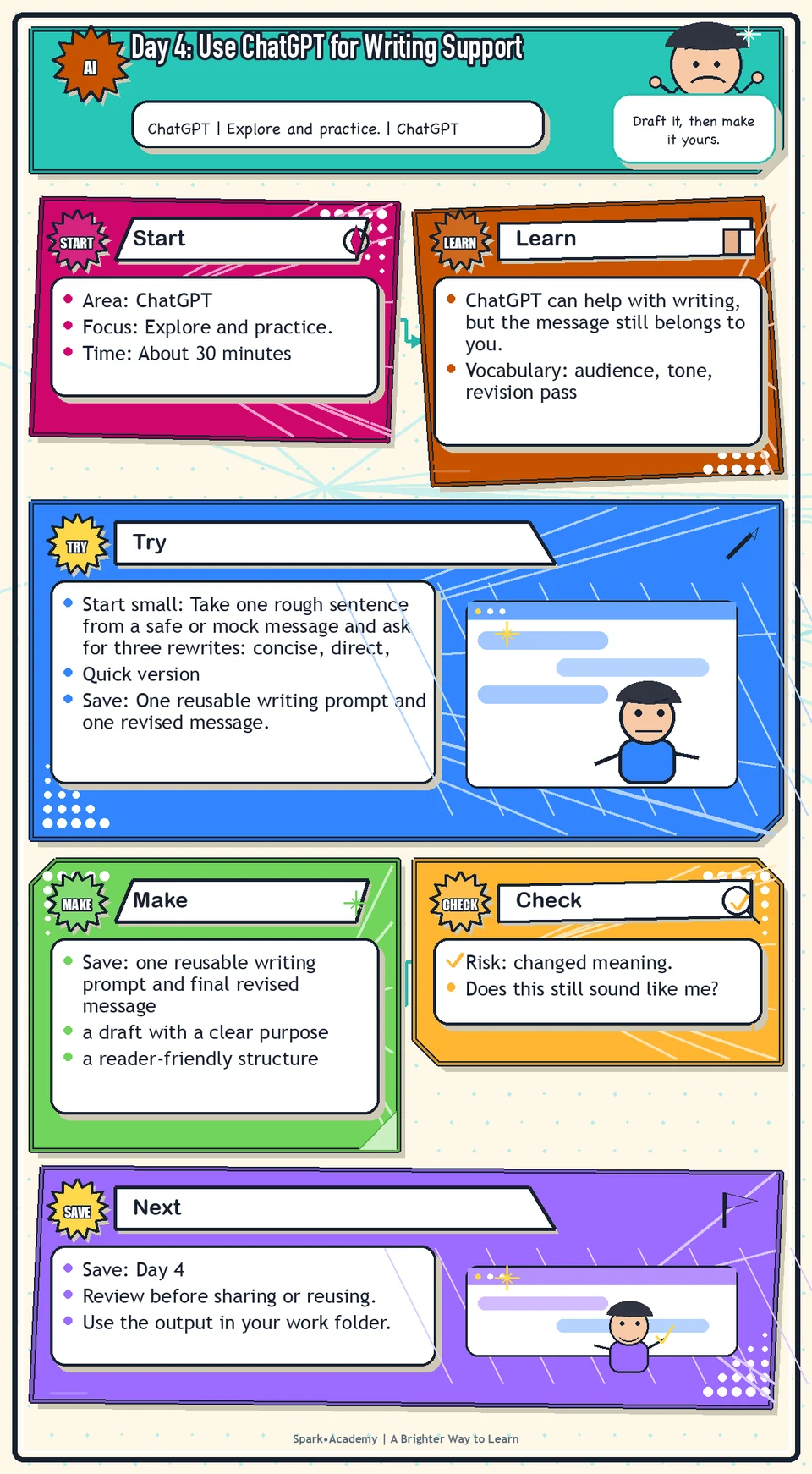
ChatGPT can help with writing, but the message still belongs to you. Use it to explore structure, tone, and wording while you protect the meaning, facts, audience fit, and accountability.
Workplace writing often starts as rough notes, uncertain tone, or pressure to move quickly. AI can help create a workable draft when you give it audience, purpose, facts, constraints, and tone.
Save a before-and-after example that shows how the draft improved. The final version should sound like a clearer version of your intent, not an AI-styled replacement for your judgment.
Know Before You Try
AI-assisted writing works best as a drafting loop: brief the tool, review the output, revise with intent, and decide what sounds right. ChatGPT can speed up the first draft, but it cannot replace audience awareness, accuracy, structure, emotional intelligence, or taste.
The brief matters. Tell the tool who the message is for, what the reader needs to understand, what tone fits the relationship, what facts must stay intact, and what constraints matter. Without direction, the result may sound polished but generic.
Use focused passes instead of one broad request for "better." One pass can improve structure, another can clarify the point, another can adjust tone, and a final pass can check accuracy, overstatement, and missing context.
Your job is to protect the meaning. Keep the facts intact, remove unsupported claims, and make sure the final version still sounds like a person who understands the situation.
Good AI-assisted writing should make the writer more effective, not less visible. The final message should be clearer, more useful, and more appropriate for the reader because you shaped it.
Before you try
- Writing support works best when you provide audience, channel, purpose, source material, tone, constraints, and what must not change.
- Ask for options before asking for a final. Comparing two or three versions helps you notice tradeoffs in clarity, warmth, precision, and risk.
- Treat AI revisions as suggestions. Keep ownership of the message, especially when the writing represents a person, team, or workplace.
Where this helps
Use ChatGPT for team updates, emails, briefing notes, FAQ drafts, follow-up messages, announcement drafts, and tone variations.
- you have rough notes but no clean draft
- a message needs a clearer opening, structure, or call to action
- you want tone options before choosing the version that sounds most like you
Try It
Start small: Take one rough sentence from a safe or mock message and ask for three rewrites: concise, direct, and warm.
Quick version
- Save: One reusable writing prompt and one revised message.
- Minimum useful version: Rewrite the sample update in one clearer version and save the prompt that helped.
- If stuck: Before: "We have an update coming." After: "We are preparing a workflow update and want the team to understand what is changing and what happens next."
- Done when: The final message is clearer, still accurate, and sounds like something you would actually send after review.
- Add only if useful: Compare concise, direct, and warm versions before choosing the final draft.
Aim for
- Rough note: "We have an update coming and people should know what is changing."
- Improved draft: "We are preparing a workflow update and want the team to understand what is changing, why it matters, and what to expect next."
- Human judgment kept: No dates, benefits, or promises were added because they were not provided.
- Why this works: The message is clearer without pretending to know more than the prompt supplied.
Practice
Use this prompt: "Please rewrite the following team update in three versions: concise, direct, and warm. Keep the meaning the same. Make the message clear and professional." Sample update: "We are preparing for an upcoming workflow update and want the team to understand why it matters, what is changing, and what happens next." Then ask: "Which version is strongest for a team audience, and why?" Then ask: "Create one final version using the best parts of all three."
Work in passes:
- Start with rough notes rather than a finished message.
- Ask ChatGPT to organize the points before rewriting them.
- Request two tone options, such as warm and concise or direct and collaborative.
- Choose the strongest pieces and rewrite the final version yourself.
If the draft comes back too formal, say so. Try: "Make this warmer, more direct, and less corporate." If it comes back too casual, ask for "professional but still human."
Before you save it:
- Run one prompt for a rough draft and one prompt for revision only, then compare which was more useful.
- Check whether the revision preserved the original meaning, required facts, and your voice.
Prompt
Primary Prompt
Use this to get a first useful draft.
Rewrite this team update in three versions: concise, direct, and warm. Keep the meaning clear and professional.

Sample: We are preparing for a workflow update and want the team to understand why it matters, what is changing, and what happens next.

Recommend the strongest version for a team audience, then combine the best parts into one final draft.
Role:
Act as a workplace writing coach.
Task:
Rewrite this team update in three versions: concise, direct, and warm. Keep the meaning clear and professional.
Sample: We are preparing for a workflow update and want the team to understand why it matters, what is changing, and what happens next.
Recommend the strongest version for a team audience, then combine the best parts into one final draft.
Context:
- Keep in mind: AI can help you reach a stronger draft faster, but the final writing still needs audience awareness, accuracy, tone, structure, and human taste.
- Work context: ChatGPT writing support.
- Save as: revised team update.
Use these details if I provide them:
- Draft or sample update.
- Audience.
- Tone choices.
- Facts that must not change.
Ask first only if needed:
- Ask up to three clarifying questions only when missing details would materially change the answer. Otherwise, proceed with clearly labeled assumptions or placeholders.
Keep it safe:
- Use only mock, public, sanitized, or workplace-approved information. Do not include sensitive, confidential, personal, customer, legal, financial, unreleased, private-code, credential, or regulated material unless that use is explicitly approved.
- Do not invent names, dates, metrics, source content, evidence, approvals, or promises. If details are missing, use labeled placeholders or a brief mock example.
How to work:
- Rewrite the message in concise, direct, and warm versions.
- Preserve meaning and required facts.
- Recommend a final version using the strongest parts.
Give me:
1. Three versions
2. Comparison of strengths
3. Final recommended version
4. Edits explained
5. Review before sending
Style:
- Practical, clear, friendly, plain-English, specific, and non-hype.
- Use headings, bullets, or a compact table when that makes the output easier to scan.
Before you finish:
- The result should improve clarity without making the message sound fake or over-polished.
- Make sure the answer is usable, grounded in provided or clearly labeled mock information, and clear about what needs human review before real use.Improve Prompt
Use this to compare the writing choices.
Compare the concise, direct, warm, and final versions. Explain what changed in clarity, tone, specificity, and reader usefulness. Flag any wording that changed the meaning, added unsupported details, or made the message too vague.Role:
Act as a workplace writing reviewer who checks clarity, tone, meaning, and unsupported changes.
Task:
Compare the concise, direct, warm, and final versions. Explain what changed in clarity, tone, specificity, and reader usefulness. Flag any wording that changed the meaning, added unsupported details, or made the message too vague.
Context:
- Keep in mind: AI can help you reach a stronger draft faster, but the final writing still needs audience awareness, accuracy, tone, structure, and human taste.
- Work context: ChatGPT writing support.
- Save as: revised team update.
Use these details if I provide them:
- Draft or sample update.
- Audience.
- Tone choices.
- Facts that must not change.
Ask first only if needed:
- Ask up to three clarifying questions only when missing details would materially change the answer. Otherwise, proceed with clearly labeled assumptions or placeholders.
Keep it safe:
- Use only mock, public, sanitized, or workplace-approved information. Do not include sensitive, confidential, personal, customer, legal, financial, unreleased, private-code, credential, or regulated material unless that use is explicitly approved.
- Do not invent names, dates, metrics, source content, evidence, approvals, or promises. If details are missing, use labeled placeholders or a brief mock example.
How to work:
- Compare versions by clarity, tone, specificity, and reader usefulness.
- Flag wording that changes meaning or adds unsupported detail.
- Explain which edits improved the message.
Give me:
1. Quick verdict
2. Issue table with priority, evidence, and recommended fix
3. Revised draft or targeted rewrite
4. Questions or approvals still needed
5. Before-use review checklist
6. Reusable review prompt pattern
Style:
- Practical, clear, friendly, plain-English, specific, and non-hype.
- Use headings, bullets, or a compact table when that makes the output easier to scan.
Before you finish:
- The result should improve clarity without making the message sound fake or over-polished.
- Make sure the answer is usable, grounded in provided or clearly labeled mock information, and clear about what needs human review before real use.Apply Prompt
Use this to adapt the workflow to your own safe draft.
Help me revise a safe workplace draft. First ask for the audience, purpose, desired tone, length limit, and any facts that must not change. Then produce three versions and a final version with a short explanation of the edits.Role:
Act as a practical writing coach who helps me adapt this revision workflow to a safe workplace draft.
Task:
Help me revise a safe workplace draft. First ask for the audience, purpose, desired tone, length limit, and any facts that must not change. Then produce three versions and a final version with a short explanation of the edits.
Context:
- Keep in mind: AI can help you reach a stronger draft faster, but the final writing still needs audience awareness, accuracy, tone, structure, and human taste.
- Work context: ChatGPT writing support.
- Save as: revised team update.
Use these details if I provide them:
- Draft or sample update.
- Audience.
- Tone choices.
- Facts that must not change.
Ask first only if needed:
- Ask up to three clarifying questions only when missing details would materially change the answer. Otherwise, proceed with clearly labeled assumptions or placeholders.
Keep it safe:
- Use only mock, public, sanitized, or workplace-approved information. Do not include sensitive, confidential, personal, customer, legal, financial, unreleased, private-code, credential, or regulated material unless that use is explicitly approved.
- Do not invent names, dates, metrics, source content, evidence, approvals, or promises. If details are missing, use labeled placeholders or a brief mock example.
How to work:
- Ask for audience, purpose, tone, length, and facts that must not change.
- Revise the safe draft in multiple versions.
- Create a final version and explain the editing choices.
Give me:
1. Three versions
2. Comparison of strengths
3. Final recommended version
4. Edits explained
5. Review before sending
Style:
- Practical, clear, friendly, plain-English, specific, and non-hype.
- Use headings, bullets, or a compact table when that makes the output easier to scan.
Before you finish:
- The result should improve clarity without making the message sound fake or over-polished.
- Make sure the answer is usable, grounded in provided or clearly labeled mock information, and clear about what needs human review before real use.Make Something Useful
Save a writing example that shows how AI can improve a real message without changing the meaning.
Save one reusable writing prompt and final revised message.
Make sure it includes:
- a draft with a clear purpose
- a reader-friendly structure
- a tone that matches the relationship and situation
- no claims, details, or commitments that you cannot support
Review and Save
Specific risk to check: The risk today is changed meaning. A smoother sentence is not better if it shifts the ask, softens urgency, adds warmth that feels false, or removes necessary context.
Review whether the final message is accurate, clear, appropriately warm, and not overpromising. Check whether the tone sounds like you and like the workplace.
Ask yourself:
- Does this still sound like me?
- Would the reader know what I need from them?
- Did AI add any details I did not provide?
- Is anything too broad, too certain, too promotional, or too vague?
Watch for
AI often improves structure faster than substance. A clean draft can still be empty, generic, or unsupported. Do not confuse polished language with strong communication.
AI can make writing smoother without making the thinking stronger. Smooth is not enough. Always check whether the message has the right point, the right audience, and the right level of confidence.
Save
Save this in your 30-day work folder as Day 4 - one reusable writing prompt and final revised message.
Add a quick reuse note: Use this at work for: improving a real email, update, briefing note, or message draft without losing your voice.
Save both the rough version and the improved version. Seeing the before and after will help you notice what kind of prompts actually improve your writing.
Check yourself
- I used ChatGPT to rewrite a message in more than one tone.
- I compared the differences between versions.
- I selected the strongest version for the intended audience.
- I revised the final version using my own judgment.
- I saved one reusable writing prompt.
- I understand that polished writing still needs accuracy and review.
- I can explain what changed between the rough draft and the improved draft.
- I can use ChatGPT to improve a message while preserving accuracy, audience fit, and my own voice.
Optional video
Watch: Writing with canvas in ChatGPT (official OpenAI YouTube channel, 2:07).
Why it helps: It shows ChatGPT as a writing and revision workspace, which directly supports the writing-support practice.