Day 13: Produce a Visual Summary and Planning Workflow
What you will learn and leave with
This lesson teaches you how to produce a visual summary and planning workflow. It uses ChatGPT as a practical learning context while keeping privacy, accuracy, context, and human judgment in charge.
Use this when: you want to create a practical, reviewable work output with ChatGPT. By the end: you will save concise summary, weekly schedule, and task list.
Course position: Day 13 of 30 · ChatGPT module
Continue: Day 14: Set Up and Walk Through Gemini Notebook
Source check: product features and interfaces can change. OpenAI ChatGPT Help Center was checked for this course on 2026-08-30; confirm current details before using a changing feature.
Listen to the Day 13 Introduction
This short audio introduces the day and what to focus on.
Day 13: Produce a Visual Summary and Planning Workflow audio transcript
Messy information becomes more useful when someone can see what matters and what happens next.
That is what today's work is about.
Welcome to Day 13 of the 30-Day AI at Work Challenge: Produce a Visual Summary and Planning Workflow.
Today, you will turn rough project information into something more usable: a concise summary, a schedule, and a task list.
Let's start with the main idea. A visual summary is not decoration. A table, timeline, chart, checklist, or plan should help the reader understand the situation, compare tradeoffs, notice open questions, and act.
The right format depends on the job. Use a table for comparison. Use a timeline for sequence. Use a checklist for repeatable action. Use a chart only when numbers need to be compared or understood.
ChatGPT can help create a first structure, but you need to check whether that structure reflects reality. A clean plan can still be unrealistic. It might overload a week, assign unclear owners, hide dependencies, or create deadlines that do not match the actual work.
So today's risk is misleading organization. Something can look organized and still be wrong.
In the lesson, you will turn a messy note into three pieces: a short summary, a task list, and a next-week plan. You will review the plan for capacity, dependencies, owners, missing information, and next steps.
Before you start, think about a project that feels scattered. What would help most: a summary, a table, a timeline, or a task list?
By the end, you will save a visual summary and planning workflow. The goal is not a pretty plan. It is a plan someone could actually use.
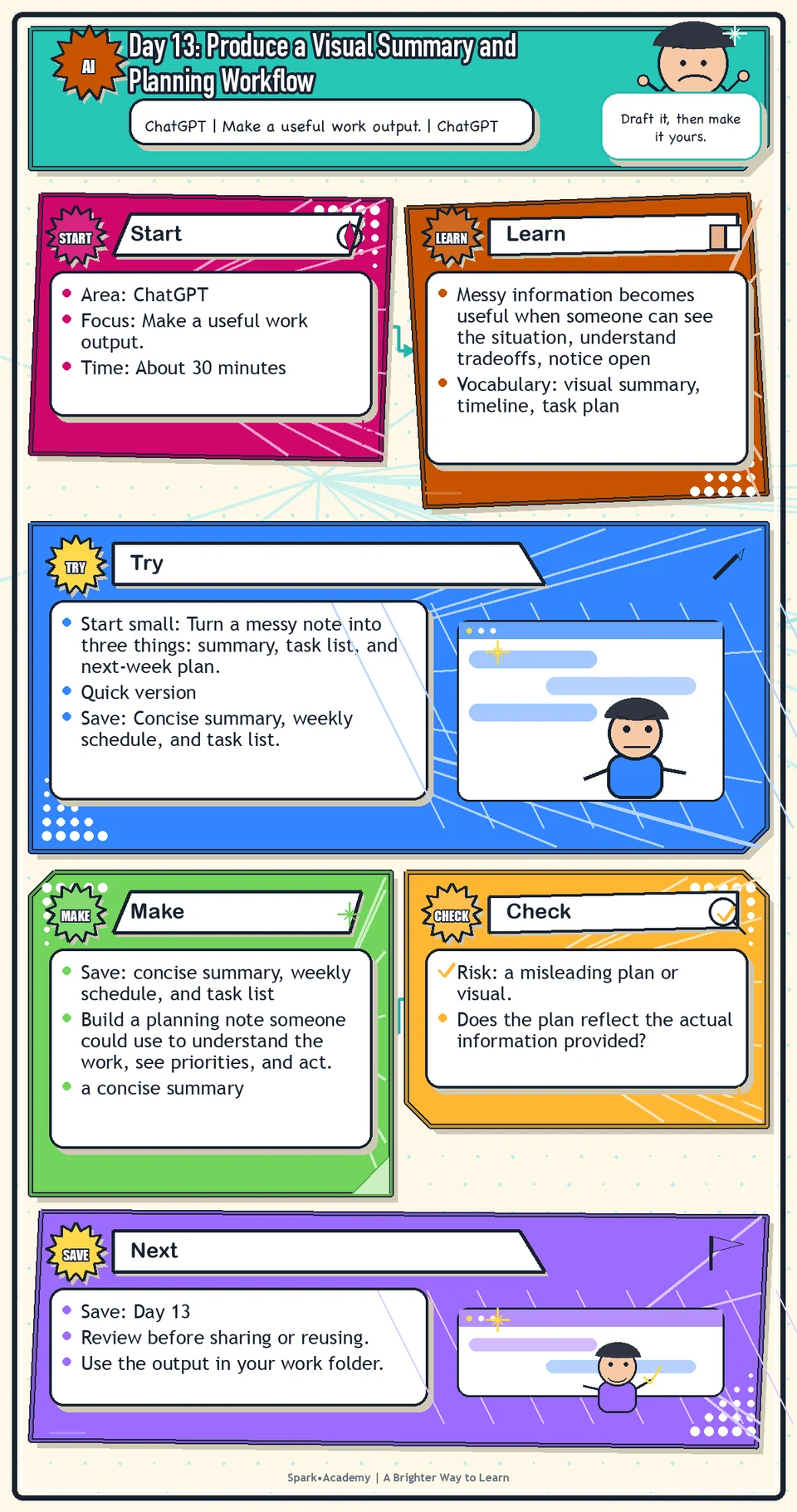
Why It Matters
Messy information becomes useful when someone can see the situation, understand tradeoffs, notice open questions, and act. A summary, table, timeline, or plan should clarify work, not decorate it.
Use AI to help turn raw material into a concise summary, useful visual structure, and realistic plan. Then check whether the result reveals priorities, dependencies, risks, decisions, and ownership.
Save a planning example that another person could use. It should be accurate enough to trust, simple enough to scan, and structured enough to revise as the work changes.
Know Before You Try
A visual summary or planning workflow should turn information into action. It is not decoration; it is a thinking aid.
Choose the format by the reader's job. Use a timeline for sequence, a table for comparison, a checklist for repeatable action, a decision log for accountability, and a schedule when timing is the main issue.
The strongest planning outputs include tasks, owners, timing, dependencies, decisions, risks, and next actions. If those pieces are missing, the plan may look organized but still be hard to use.
AI can help transform messy input into a plan, but it cannot know whether the plan is realistic unless you give it constraints. Add deadlines, capacity, dependencies, stakeholder needs, and nonnegotiables.
The quality test is usability. If a plan is too crowded to follow, too vague to assign, or too pretty to act on, it is not a good plan.
Before you try
- A visual summary should make the main idea easier to understand, not just decorate the work.
- Choose the format based on the job: table for comparison, timeline for sequence, chart for numbers, diagram for relationships, and checklist for execution.
- Remember accessibility. Use clear labels, plain language, readable contrast, and enough text explanation that the meaning does not depend on visuals alone.
Where this helps
Use this when you need to brief a teammate, organize competing priorities, prepare a weekly plan, or translate analysis into next steps.
- a project has many moving parts
- notes need to become an action plan
- a team needs a concise summary before deciding what to do next
Try It
Start small: Turn a messy note into three things: summary, task list, and next-week plan.
Quick version
- Save: Concise summary, weekly schedule, and task list.
- Minimum useful version: Create one short summary, five tasks, owner placeholders, due dates, and one risk or dependency.
- If stuck: "This week, the priority is to confirm the message, review the source details, and prepare the follow-up note."
- Done when: The plan is realistic enough that someone could use it during an actual week.
- Add only if useful: Add a capacity check for overloaded days and unclear owners.
Aim for
- Summary: "The week should prioritize message review, source checks, and follow-up planning."
- Task: Confirm approved claims, owner: reviewer, due: Wednesday.
- Risk: "The plan depends on source details being available by Tuesday."
- Why this works: It connects the summary to action instead of only making the information look neat.
Practice
Use the table and visual recommendation from Day 12. Ask ChatGPT to create:
- A short concise summary of what the visual shows.
- Three key takeaways.
- One suggested priority for the week.
- A practical weekly schedule.
- A task list for the work.
- Owners, due dates, dependencies, and reminders that could be copied into a calendar or task app.
Then revise the plan yourself so it feels realistic for an actual week.
Work in passes:
- Give ChatGPT the safe project information.
- Ask for a short concise summary first.
- Ask for a table or timeline second.
- Ask for risks, missing owners, and unclear next steps third.
If the plan feels too big, ask for a version for the next seven days only. If it feels too vague, ask for concrete tasks with owners and deadlines marked as known or unknown.
Before you save it:
- Before creating the visual, write the one-sentence takeaway it should communicate.
- After creating it, ask whether a busy reader could understand the point in under a minute.
Prompt
Primary Prompt
Use this to get a first useful draft.
Using the provided safe or mock table and visual recommendation, create a concise summary, three key takeaways, one suggested weekly priority, a practical schedule, and a task list with owners, due dates, dependencies, and reminders.Role:
Act as a practical project planner.
Task:
Using the mock table and visual recommendation, create a short concise summary, three key takeaways, one suggested weekly priority, a practical schedule, and a task list with owners, due dates, dependencies, and reminders.
Context:
- Keep in mind: Good workplace planning turns raw information into a clear summary, realistic schedule, owners, dependencies, and next actions.
- Work context: turning information into action.
- Save as: summary, weekly schedule, and task list.
Use these details if I provide them:
- Table or visual recommendation.
- Timeframe.
- Owners.
- Constraints.
- Deadlines.
Ask first only if needed:
- Ask up to three clarifying questions only when missing details would materially change the answer. Otherwise, proceed with clearly labeled assumptions or placeholders.
Keep it safe:
- Use only mock, public, sanitized, or workplace-approved information. Do not include sensitive, confidential, personal, customer, legal, financial, unreleased, private-code, credential, or regulated material unless that use is explicitly approved.
- Do not invent names, dates, metrics, source content, evidence, approvals, or promises. If details are missing, use labeled placeholders or a brief mock example.
How to work:
- Turn information into a concise summary and practical weekly priority.
- Create a realistic schedule and task list.
- Include owners, dependencies, and reminders.
Give me:
1. Concise summary
2. Three takeaways
3. Weekly priority
4. Schedule
5. Task list
6. Dependencies and reminders
Style:
- Practical, clear, friendly, plain-English, specific, and non-hype.
- Use headings, bullets, or a compact table when that makes the output easier to scan.
Before you finish:
- The plan should feel usable in a real week, not just organized on paper.
- Make sure the answer is usable, grounded in provided or clearly labeled mock information, and clear about what needs human review before real use.Improve Prompt
Use this to make the plan realistic.
Review this summary, schedule, and task list for overloaded days, unclear owners, missing dependencies, vague deadlines, and tasks that do not match the data. Suggest a more realistic next-seven-days version.Role:
Act as a planning-workflow reviewer who checks summary accuracy, schedule realism, owners, and dependencies.
Task:
Review this summary, schedule, and task list for overloaded days, unclear owners, missing dependencies, vague deadlines, and tasks that do not match the data. Suggest a more realistic next-seven-days version.
Context:
- Keep in mind: Good workplace planning turns raw information into a clear summary, realistic schedule, owners, dependencies, and next actions.
- Work context: turning information into action.
- Save as: summary, weekly schedule, and task list.
Use these details if I provide them:
- Table or visual recommendation.
- Timeframe.
- Owners.
- Constraints.
- Deadlines.
Ask first only if needed:
- Ask up to three clarifying questions only when missing details would materially change the answer. Otherwise, proceed with clearly labeled assumptions or placeholders.
Keep it safe:
- Use only mock, public, sanitized, or workplace-approved information. Do not include sensitive, confidential, personal, customer, legal, financial, unreleased, private-code, credential, or regulated material unless that use is explicitly approved.
- Do not invent names, dates, metrics, source content, evidence, approvals, or promises. If details are missing, use labeled placeholders or a brief mock example.
How to work:
- Check for overloaded days, unclear owners, missing dependencies, and unrealistic deadlines.
- Revise the plan for the next seven days.
- Keep the plan tied to the data.
Give me:
1. Quick verdict
2. Issue table with priority, evidence, and recommended fix
3. Revised draft or targeted rewrite
4. Questions or approvals still needed
5. Before-use review checklist
6. Reusable review prompt pattern
Style:
- Practical, clear, friendly, plain-English, specific, and non-hype.
- Use headings, bullets, or a compact table when that makes the output easier to scan.
Before you finish:
- The plan should feel usable in a real week, not just organized on paper.
- Make sure the answer is usable, grounded in provided or clearly labeled mock information, and clear about what needs human review before real use.Apply Prompt
Use this to turn information into action.
Ask me for a safe project summary, known deadlines, constraints, and owner roles. Then create a concise summary, weekly priority, schedule, task list, dependencies, and reminders that are realistic for one week.Role:
Act as a practical planning coach who helps me turn safe project information into a realistic weekly plan.
Task:
Ask me for a safe project summary, known deadlines, constraints, and owner roles. Then create a concise summary, weekly priority, schedule, task list, dependencies, and reminders that are realistic for one week.
Context:
- Keep in mind: Good workplace planning turns raw information into a clear summary, realistic schedule, owners, dependencies, and next actions.
- Work context: turning information into action.
- Save as: summary, weekly schedule, and task list.
Use these details if I provide them:
- Table or visual recommendation.
- Timeframe.
- Owners.
- Constraints.
- Deadlines.
Ask first only if needed:
- Ask up to three clarifying questions only when missing details would materially change the answer. Otherwise, proceed with clearly labeled assumptions or placeholders.
Keep it safe:
- Use only mock, public, sanitized, or workplace-approved information. Do not include sensitive, confidential, personal, customer, legal, financial, unreleased, private-code, credential, or regulated material unless that use is explicitly approved.
- Do not invent names, dates, metrics, source content, evidence, approvals, or promises. If details are missing, use labeled placeholders or a brief mock example.
How to work:
- Ask for project summary, deadlines, constraints, and owner roles.
- Create a practical one-week plan.
- Mark unknowns rather than inventing them.
Give me:
1. Questions to ask me first
2. Safe assumptions if I do not answer yet
3. Adapted summary, weekly schedule, and task list
4. Review before real use
5. Reusable prompt pattern
Style:
- Practical, clear, friendly, plain-English, specific, and non-hype.
- Use headings, bullets, or a compact table when that makes the output easier to scan.
Before you finish:
- The plan should feel usable in a real week, not just organized on paper.
- Make sure the answer is usable, grounded in provided or clearly labeled mock information, and clear about what needs human review before real use.Make Something Useful
Build a planning note someone could use to understand the work, see priorities, and act.
Save concise summary, weekly schedule, and task list.
Make sure it includes:
- a concise summary
- a structured table, timeline, or task list
- clear owners or owner placeholders
- risks, dependencies, and missing information marked visibly
Review and Save
Specific risk to check: The risk today is a misleading plan or visual. Check that summaries, timelines, charts, and task lists reflect the actual information and realistic capacity.
Make sure the schedule is realistic. Look for overpacked days, unclear owners, missing dependencies, and deadlines that do not match the actual work.
Ask yourself:
- Does the plan reflect the actual information provided?
- Are any days overloaded or unrealistic?
- Are owners, dates, and dependencies clear?
- Would someone know what to do next after reading it?
Watch for
AI can create neat plans that look good but do not reflect real capacity. A useful plan is not the fullest plan. It is the plan someone could actually follow.
A plan is only helpful if it can survive contact with reality. Do not be afraid to mark unknowns. A visible unknown is better than a fake answer.
Save
Save this in your 30-day work folder as Day 13 - concise summary, weekly schedule, and task list.
Add a quick reuse note: Use this at work for: turning messy project information into a weekly plan, task list, timeline, or owner tracker.
Save this planning example so you can reuse the structure. It can become a model for future project summaries and action plans.
Check yourself
- I created a short concise summary from structured information.
- I turned information into a practical weekly schedule.
- I created a task list with owners, due dates, dependencies, or reminders.
- I reviewed the plan for realism and capacity.
- I understand the difference between calendar items and task items.
- I saved a planning workflow I could reuse.
- I can turn a messy project description into a summary, schedule, and task list.
- I can turn project information into an action-oriented summary, schedule, or task plan someone could use.