Day 24: Produce a Web Friendly Content Outline
What you will learn and leave with
This lesson teaches you how to produce a web friendly content outline. It uses Gemini as a practical learning context while keeping privacy, accuracy, context, and human judgment in charge.
Use this when: you want to create a practical, reviewable work output with Gemini. By the end: you will save web-friendly content outline.
Course position: Day 24 of 30 · Gemini module
Continue: Day 25: Set Up and Walk Through ChatGPT Work
Source check: product features and interfaces can change. Gemini for Google Workspace Help was checked for this course on 2026-08-30; confirm current details before using a changing feature.
Listen to the Day 24 Introduction
This short audio introduces the day and what to focus on.
Day 24: Produce a Web Friendly Content Outline audio transcript
A strong web page starts before the sentences are polished.
It starts with structure: what the reader needs first, what proof they need, what questions they may ask, and what should happen next.
Welcome to Day 24 of the 30-Day AI at Work Challenge: Produce a Web Friendly Content Outline.
Today, you will build an outline a writer could draft from and a reviewer could evaluate quickly.
Let's start with the main idea. A web-friendly outline is content architecture. It decides the path a reader will follow. It also makes review needs visible before the page turns into polished copy.
Good headings do real work. They should not just sound nice. They should answer reader questions, organize the story, and help skimmers understand what the page is about.
Gemini can help generate reader questions, FAQ ideas, AEO questions, headings, and page structure. But you need to keep proof and review visible.
The risk today is burying unsupported claims inside a clean outline. If a section implies customer impact, product performance, privacy handling, or a public promise, mark the proof or review need before anyone drafts the full page.
The lesson includes a worked example. Notice how it starts with reader questions, then turns those questions into sections, FAQ ideas, proof needs, and review flags.
Before you begin, think of a public-facing topic. What would the reader need to know before they could trust the page?
By the end, you will save a web-friendly content outline. The goal is not a page full of keywords. It is a structure that helps readers, writers, and reviewers do their jobs.
Why It Matters
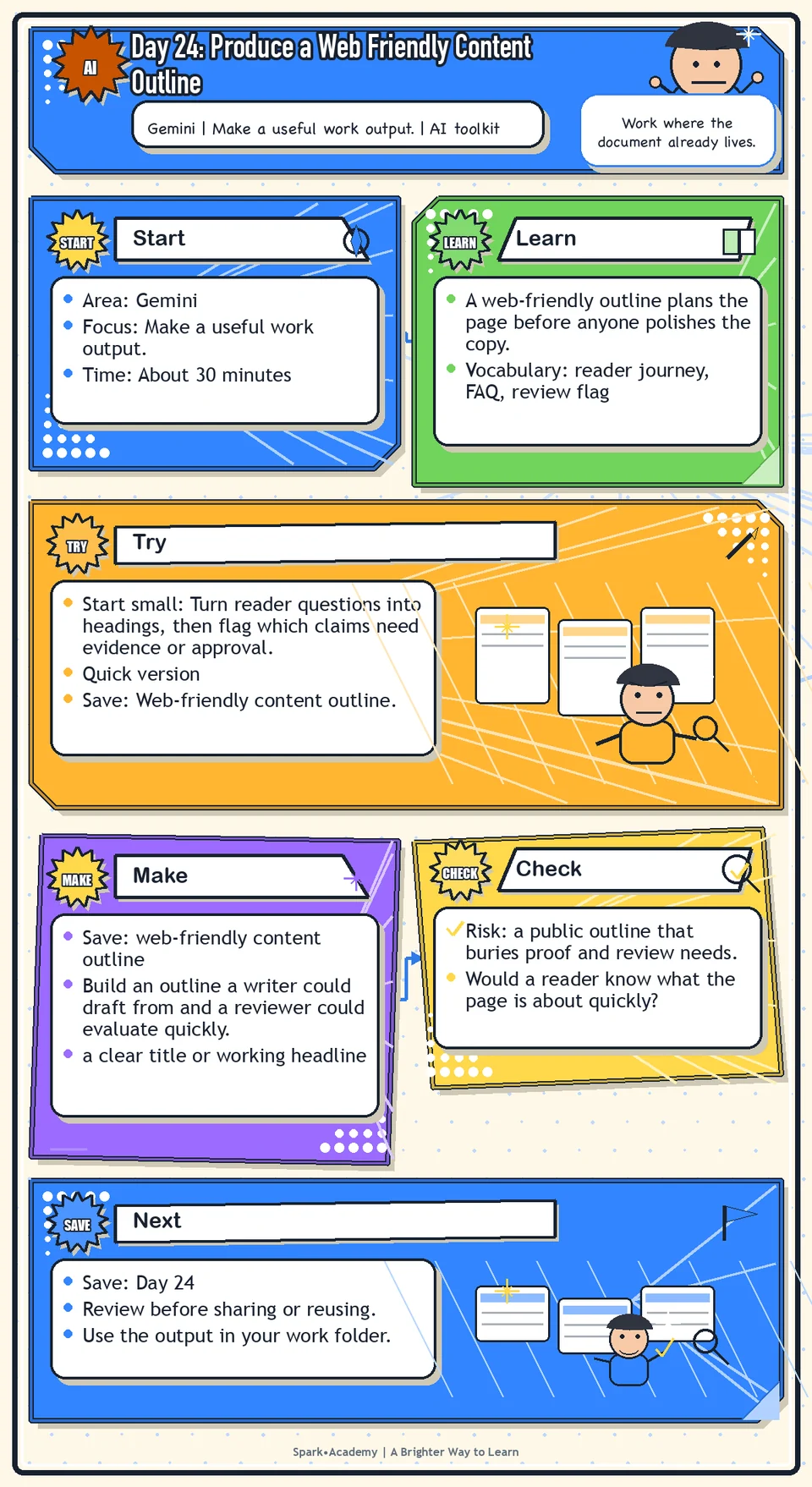
A web-friendly outline plans the page before anyone polishes the copy. It decides what the reader needs first, what deserves proof, which claims need review, and how the page can help both skimmers and readers who need detail.
Strong headings do real work. They signal what each section answers instead of simply naming a topic.
Save an outline that helps a writer draft efficiently and helps a reviewer see risks early. It should connect audience questions to page structure, source needs, answer clarity, and trust-building choices.
Know Before You Try
A web-friendly outline is content architecture. It decides what the reader sees first, how the page earns trust, what questions are answered, and where review is needed before anyone polishes the language.
A strong outline includes a clear title, useful headings, reader questions, FAQ opportunities, evidence needs, and a natural flow from problem to explanation to next step.
Each section should have a job. The title sets expectations. The introduction orients the reader. The body answers the main questions. The FAQ handles common follow-ups or concerns.
The outline should make the content easier to write and easier to review. If headings are generic, the final content will probably be generic too. Strong headings signal what the section will answer, not just what topic it mentions.
For sensitive topics, the outline should identify what evidence supports each section and who needs to review it before publication. The outline is where you catch missing proof early, before the page sounds finished.
Before you try
- A web-friendly outline should help readers and reviewers. It should not be a pile of SEO phrases.
- Start with the reader journey: what they need to know first, what proof they need, what questions they may ask, and what action makes sense next.
- For AI or regulated topics, include review flags for subject-matter, legal, security, privacy, compliance, or other appropriate review before drafting final copy.
Where this helps
Use this before writing a public article, web page, FAQ, project page, blog post, or educational explainer.
- planning a webpage, blog post, FAQ, help article, or public explainer
- turning a content brief into a structure
- making sure a draft answers reader questions before writing the full text
Try It
Start small: Turn reader questions into headings, then flag which claims need evidence or approval.
Quick version
- Save: Web-friendly content outline.
- Minimum useful version: Create a title, five section headings, one reader question per section, and review notes for unsupported claims.
- If stuck: Use a four-column outline: section, reader question, evidence needed, review need.
- Done when: The outline would help a writer draft and a reviewer spot risks before copy is polished.
- Add only if useful: Add FAQ opportunities and a suggested next step for the reader.
Aim for
- Section: What is changing?
- Reader question: "What will be different for customers or teams?"
- Evidence needed: Approved product or workflow details.
- Review need: Customer impact, legal/privacy language, and any AI feature claims.
Practice
Choose one topic:
- AI-supported customer support.
- How customer support works.
- What customers should know about AI-supported service.
- An AI-related workflow update.
Ask Gemini to create a web-friendly content outline with:
- Title.
- Section headings.
- Keyword ideas.
- AEO questions.
- A short FAQ.
- Suggested reader next step.
Ask which sections need subject-matter, legal, privacy, compliance, or other appropriate review. Then revise the outline so it sounds useful to a real reader, not just optimized for search.
Work in passes:
- Start with the reader questions from Day 23 or create a new list.
- Turn the questions into sections and sub-sections.
- Add a short note about the purpose of each section.
- Mark proof points, sources, and review needs.
If the outline feels like a random list, reorder it by reader journey: what they need first, what they need next, and what they may ask before trusting or acting.
Before you save it:
- Add a purpose note under each major heading so you know why the section exists.
- Mark source needs and review needs directly in the outline, not in a separate mental note.
Prompt
Primary Prompt
Use this to get a first useful draft.
Create a web-friendly content outline for a safe or mock workplace AI topic. Include title, section headings, keyword ideas, AEO questions, a short FAQ, suggested reader next step, and review flags.Role:
Act as a web content planner.
Task:
Create a web-friendly content outline for a safe or mock workplace AI topic. Include title, section headings, keyword ideas, AEO questions, a short FAQ, suggested reader next step, and review flags.
Context:
- Keep in mind: A web-friendly outline should organize the reader journey with useful headings, likely questions, FAQ opportunities, proof needs, and next steps.
- Work context: web-friendly content outlining.
- Save as: web-friendly content outline.
Use these details if I provide them:
- Safe topic.
- Reader.
- Page type.
- Next step.
- Review-sensitive claims.
Ask first only if needed:
- Ask up to three clarifying questions only when missing details would materially change the answer. Otherwise, proceed with clearly labeled assumptions or placeholders.
Keep it safe:
- Use only mock, public, sanitized, or workplace-approved information. Do not include sensitive, confidential, personal, customer, legal, financial, unreleased, private-code, credential, or regulated material unless that use is explicitly approved.
- Do not invent names, dates, metrics, source content, evidence, approvals, or promises. If details are missing, use labeled placeholders or a brief mock example.
How to work:
- Create a clear title and section outline.
- Include search and AEO ideas without overdoing it.
- Mark proof needs and review flags.
Give me:
1. Page purpose and reader
2. Title and section outline
3. Keyword ideas and AEO questions
4. FAQ
5. Suggested reader next step
6. Proof needs and review flags
7. Reusable web-outline prompt pattern
Style:
- Practical, clear, friendly, plain-English, specific, and non-hype.
- Use headings, bullets, or a compact table when that makes the output easier to scan.
Before you finish:
- The outline should be easy for a writer and reviewer to use.
- Make sure the answer is usable, grounded in provided or clearly labeled mock information, and clear about what needs human review before real use.Improve Prompt
Use this to strengthen the outline.
Review this web-friendly content outline for reader usefulness, heading clarity, search intent coverage, FAQ quality, unsupported claims, missing review flags, and whether the next step matches the audience.Role:
Act as a web-outline reviewer who checks heading clarity, reader usefulness, proof needs, and review flags.
Task:
Review this web-friendly content outline for reader usefulness, heading clarity, search intent coverage, FAQ quality, unsupported claims, missing review flags, and whether the next step matches the audience.
Context:
- Keep in mind: A web-friendly outline should organize the reader journey with useful headings, likely questions, FAQ opportunities, proof needs, and next steps.
- Work context: web-friendly content outlining.
- Save as: web-friendly content outline.
Use these details if I provide them:
- Safe topic.
- Reader.
- Page type.
- Next step.
- Review-sensitive claims.
Ask first only if needed:
- Ask up to three clarifying questions only when missing details would materially change the answer. Otherwise, proceed with clearly labeled assumptions or placeholders.
Keep it safe:
- Use only mock, public, sanitized, or workplace-approved information. Do not include sensitive, confidential, personal, customer, legal, financial, unreleased, private-code, credential, or regulated material unless that use is explicitly approved.
- Do not invent names, dates, metrics, source content, evidence, approvals, or promises. If details are missing, use labeled placeholders or a brief mock example.
How to work:
- Review reader usefulness, heading clarity, search intent coverage, FAQ quality, and review flags.
- Strengthen the outline.
- Match the next step to the audience.
Give me:
1. Quick verdict
2. Issue table with priority, evidence, and recommended fix
3. Revised draft or targeted rewrite
4. Questions or approvals still needed
5. Before-use review checklist
6. Reusable review prompt pattern
Style:
- Practical, clear, friendly, plain-English, specific, and non-hype.
- Use headings, bullets, or a compact table when that makes the output easier to scan.
Before you finish:
- The outline should be easy for a writer and reviewer to use.
- Make sure the answer is usable, grounded in provided or clearly labeled mock information, and clear about what needs human review before real use.Apply Prompt
Use this to adapt the outline to a real format.
Ask me for a safe topic, intended reader, desired page type, and what the reader should do next. Then create a web-friendly outline with headings, FAQ, AEO questions, proof needs, and review notes.Role:
Act as a practical web-outline coach who helps me turn a safe topic into a useful, review-ready outline.
Task:
Ask me for a safe topic, intended reader, desired page type, and what the reader should do next. Then create a web-friendly outline with headings, FAQ, AEO questions, proof needs, and review notes.
Context:
- Keep in mind: A web-friendly outline should organize the reader journey with useful headings, likely questions, FAQ opportunities, proof needs, and next steps.
- Work context: web-friendly content outlining.
- Save as: web-friendly content outline.
Use these details if I provide them:
- Safe topic.
- Reader.
- Page type.
- Next step.
- Review-sensitive claims.
Ask first only if needed:
- Ask up to three clarifying questions only when missing details would materially change the answer. Otherwise, proceed with clearly labeled assumptions or placeholders.
Keep it safe:
- Use only mock, public, sanitized, or workplace-approved information. Do not include sensitive, confidential, personal, customer, legal, financial, unreleased, private-code, credential, or regulated material unless that use is explicitly approved.
- Do not invent names, dates, metrics, source content, evidence, approvals, or promises. If details are missing, use labeled placeholders or a brief mock example.
How to work:
- Ask for topic, reader, page type, and next step.
- Create a web-friendly outline with FAQ, proof needs, and review notes.
- Use safe examples.
Give me:
1. Questions to ask me first
2. Safe assumptions if I do not answer yet
3. Adapted web-friendly content outline
4. Review before real use
5. Reusable prompt pattern
Style:
- Practical, clear, friendly, plain-English, specific, and non-hype.
- Use headings, bullets, or a compact table when that makes the output easier to scan.
Before you finish:
- The outline should be easy for a writer and reviewer to use.
- Make sure the answer is usable, grounded in provided or clearly labeled mock information, and clear about what needs human review before real use.Make Something Useful
Build an outline a writer could draft from and a reviewer could evaluate quickly.
Save web-friendly content outline.
Make sure it includes:
- a clear title or working headline
- sections tied to reader questions
- FAQ or follow-up questions
- proof points, source needs, and review needs marked
Worked example: web-friendly outline
Working title: How Our Internal AI Intake Pilot Helps Route Support Requests
Reader questions:
- What is changing?
- Who is affected?
- What does the pilot do and not do?
- What information is reviewed by a person?
- Where should someone send questions?
Outline:
- What is being tested
- Why the team is testing it
- Who is included in the pilot
- What the workflow can help with
- What it does not decide
- Privacy, review, and escalation notes
- FAQ
- Next step and contact path
Review flags: Do not claim faster resolution, reduced workload, or customer impact unless those claims are supported and approved.
Why this works: The outline starts with reader intent, keeps proof and limits visible, and gives reviewers a clear place to evaluate risky claims.
Review and Save
Specific risk to check: The risk today is a public outline that buries proof and review needs. Reader-friendly structure still needs supported claims, clear limits, and approval flags.
Check whether the outline is actually useful to readers. Remove generic headings. Add review flags where needed.
Ask yourself:
- Would a reader know what the page is about quickly?
- Does each section answer a real question?
- Are claims supported or marked for review?
- Is the structure helpful even if search did not exist?
Watch for
A web-friendly outline is not final content. It still needs approved facts, voice, positioning, and review.
Do not over-optimize the outline until it stops sounding human. The best structure should feel useful to a real person first.
Save
Save this in your 30-day work folder as Day 24 - web-friendly content outline.
Add a quick reuse note: Use this at work for: outlining a webpage, article, FAQ, help page, or explainer before anyone starts polishing copy.
Save the outline as a saved work example. It is a strong example of combining AI support with workplace judgment.
Check yourself
- I chose a public facing topic.
- I created a web-friendly title and structure.
- I created useful section headings.
- I created FAQ or AEO questions.
- I identified sections that may need subject-matter, legal, privacy, compliance, or other appropriate review.
- I saved a web-friendly content outline.
- I can explain how my outline answers reader questions and supports review.
- I can build a web-friendly outline that helps a writer draft and a reviewer identify risks.